The fast, easy way to make video they’ll actually watch

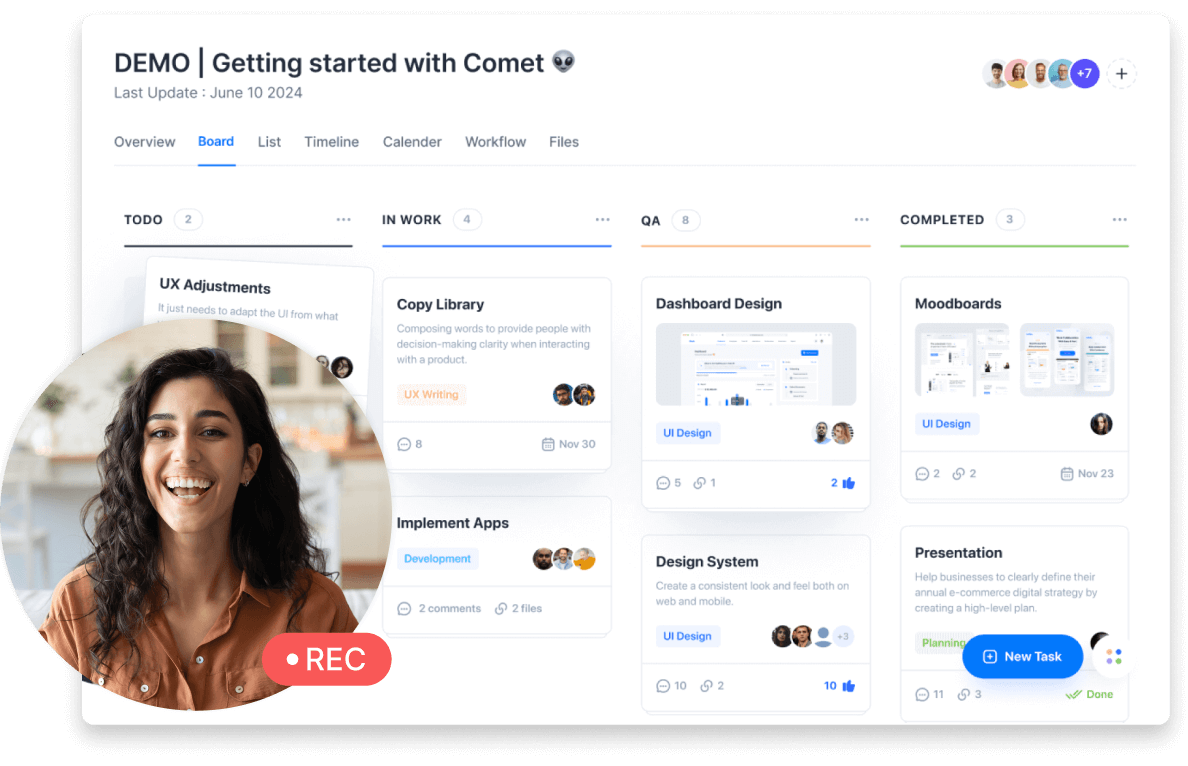
Making video to help your sales teams meet their numbers is a great idea. But only if you can make video that holds their attention. Descript makes that as easy as editing text or making a slide deck, so you can do it in hours, not weeks.

These companies use Descript. Not bad!

  • amazon logo
  • canva logo
  • salesforce logo
  • figma logo
  • apple logo
  • okta logo
  • spotify logo
  • vox logo
  • reuters logo
  • cbs logo
  • microsoft logo
  • nyt logo
  • accenture logo
  • github logo
  • kpmg logo
  • coke logo
  • amazon logo
  • canva logo
  • salesforce logo
  • figma logo
  • apple logo
  • okta logo
  • spotify logo
  • vox logo
  • reuters logo
  • cbs logo
  • microsoft logo
  • nyt logo
  • accenture logo
  • github logo
  • kpmg logo
  • coke logo

Cut production time without cutting corners

You don’t need a big budget, big team, or big chunk of time to make video that clears your quality bar. You just need Descript.

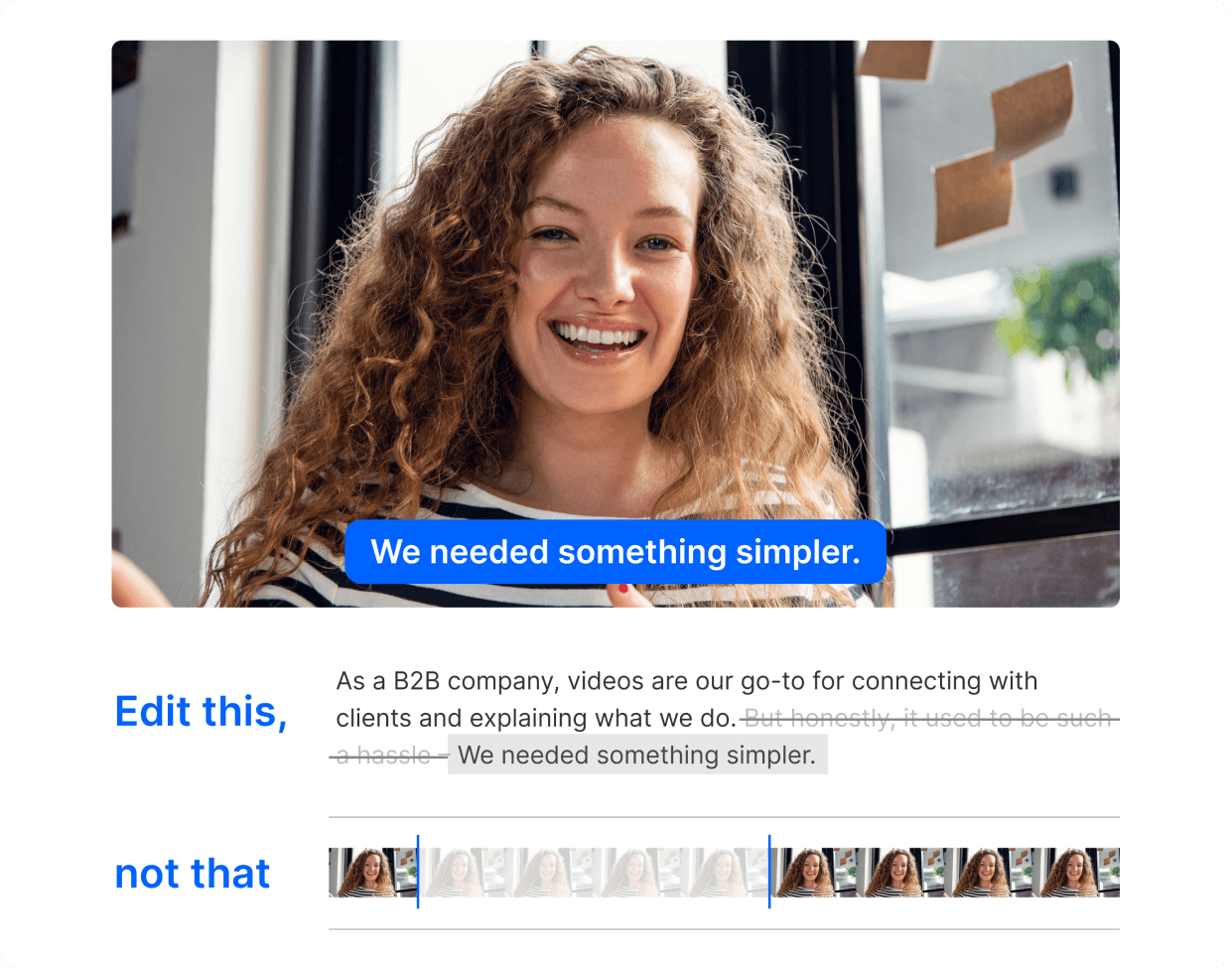
Edit your video by editing text

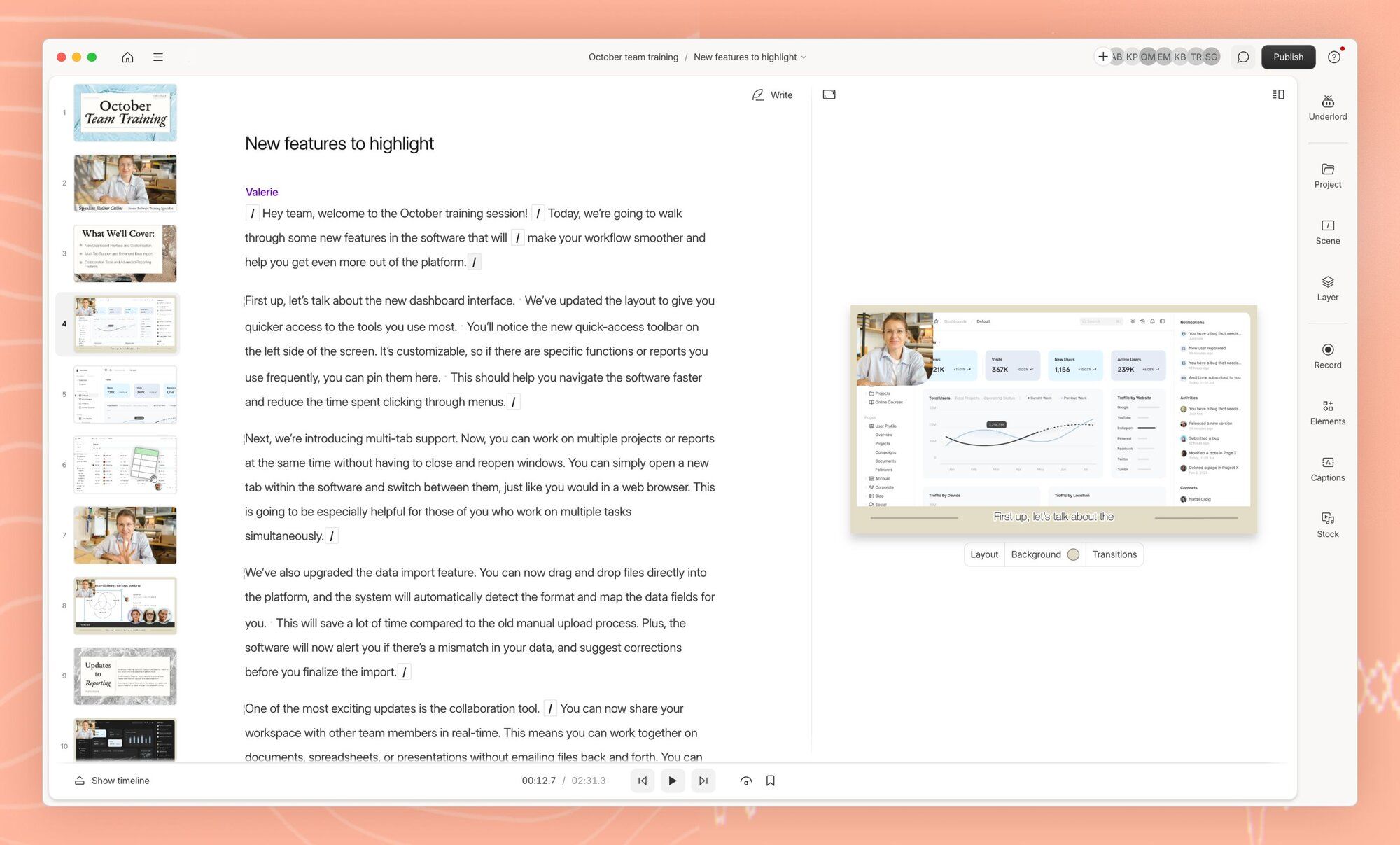
Descript automatically transcribes your recordings. Then you edit the video by editing the transcript. Tap your delete key to make cuts. Cut-and-paste to move segments around. It’s literally that simple.

Ear-friendly audio at head-spinning speed

Remove filler words, tighten word gaps, make it sound like you recorded in a studio. With Descript’s AI you can do all that, and a bunch more, with a click or two.

No need to memorize. Or clean your room.

Shift your gaze so it stays on the camera, even if you were reading your script the whole time. Remove your cluttered background and replace with something more work-friendly using AI green screen.

Change a few words, not the whole video

No need to remake every video every time your product changes. Use Descript’s AI tools to keep your content, and your sales team, up-to-date, and your sanity intact.

Audio updates, no mic required

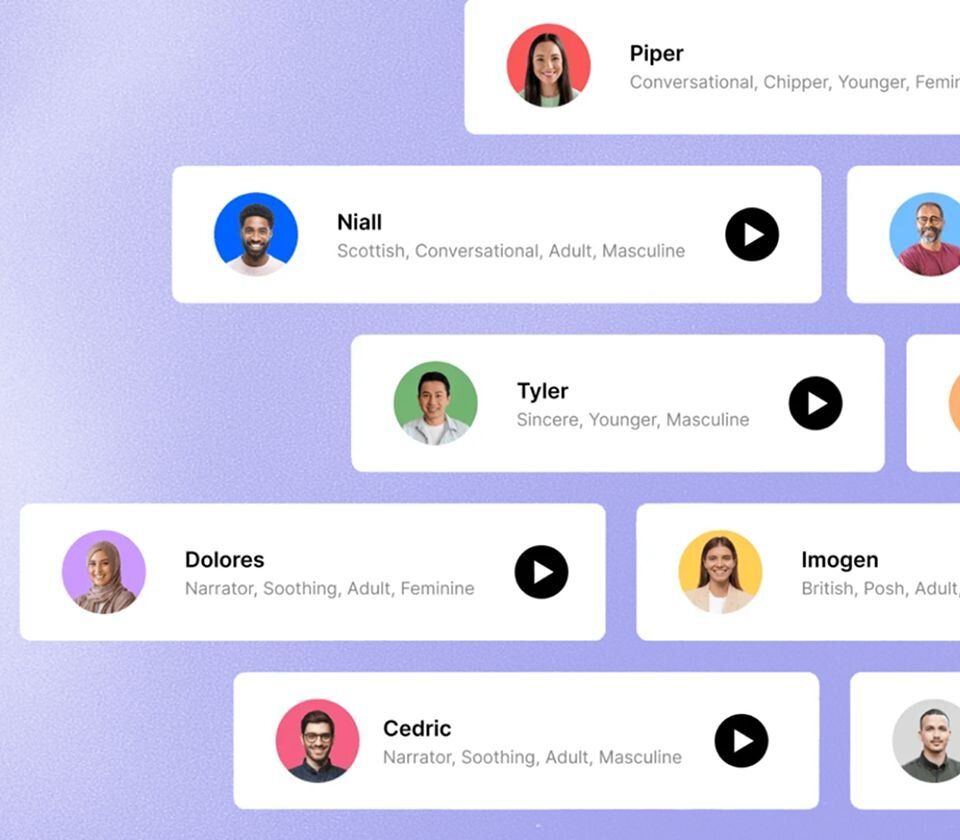
Create an AI voice clone that sounds just like you. Creepy? Maybe! Incredibly useful? Yes: you can update your voiceovers—or create a whole new one—just by typing.

Visual updates, simple as slides

No need to re-shoot when the product changes, either. Just select the part that needs updating, then make a new screen recording to replace it.

Update once, update everywhere

Descript’s cloud hosting lets you embed your video on any web page, no downloads required. And when you update the original, it will be updated everywhere it’s embedded. 

Dress it up to (finally) get their attention

It’s hard to get your sales team off their phones. Make your videos more tempting with B-roll, music, and other eye/ear candy—easy as drag-and-drop, click-and-type.

Keep your look consistent

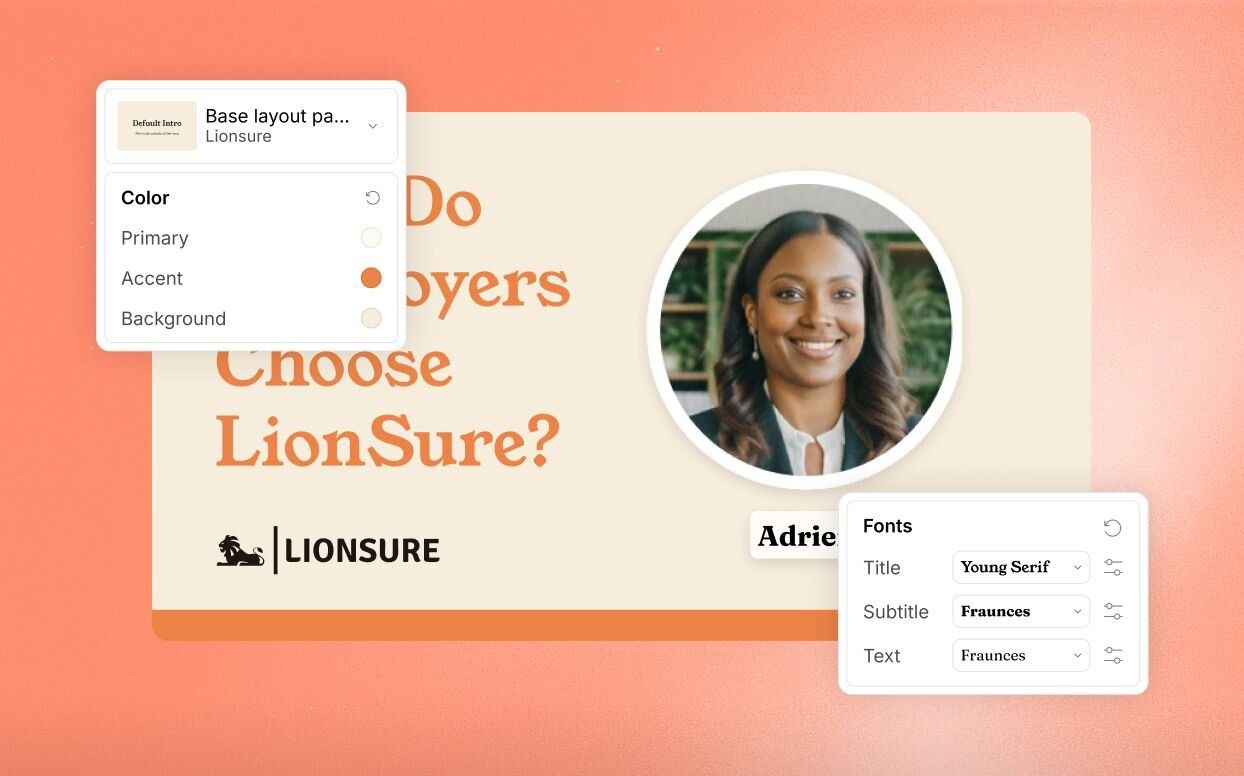
Brand Studio is your team’s central hub for brand assets. No more emailing for the right font file—it’s all there, so everyone can create video that reps your brand the right way. Available for Business and Enterprise customers.

Add some variety with B-roll

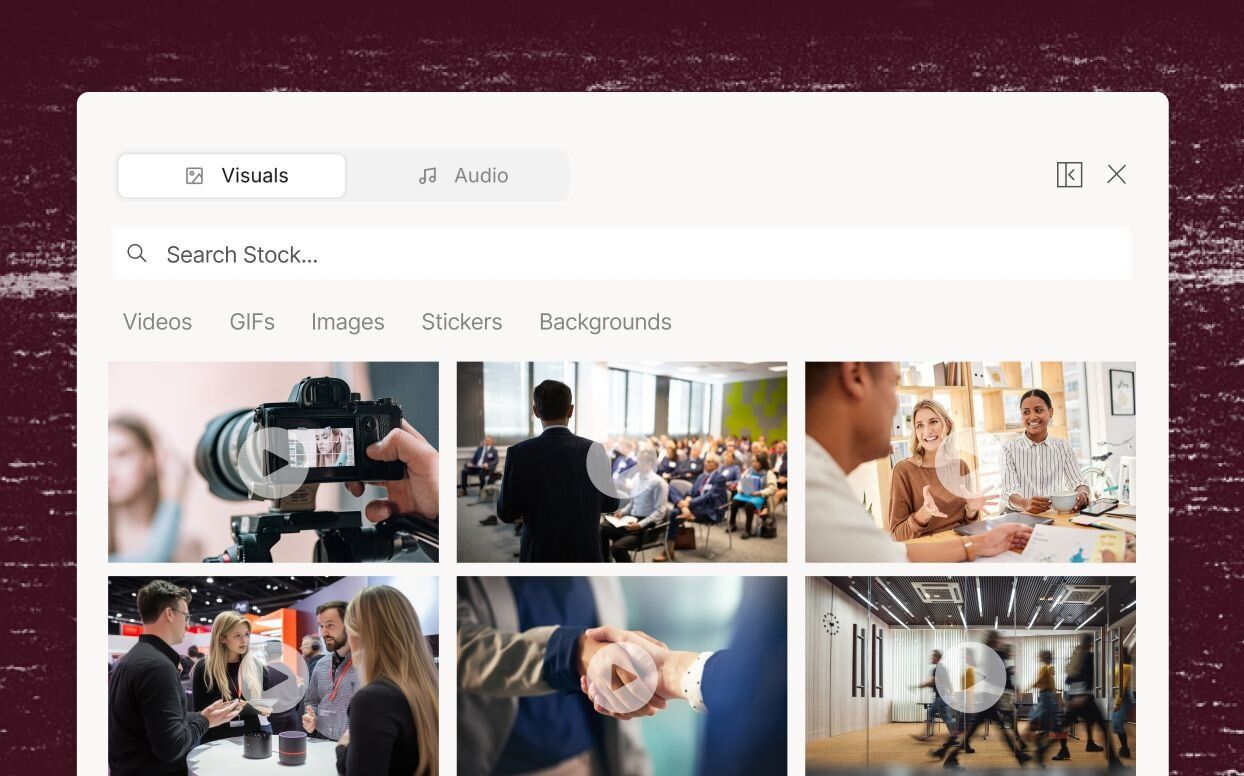
Don’t let videos become visually monotonous when there’s nothing to cut to. Just go to Descript’s stock video library and search for relevant footage to break things up. Does it look like stock? Yes. So use it ironically for a laugh.

Video that helps your sales team make it rain

Educational video

Onboard your new reps and keep your sales team up to speed with how-to and tutorial videos that are easy to make, easy to edit, and easy to update. When your strategy shifts or your pricing changes, update the video in minutes.

Webinar recordings

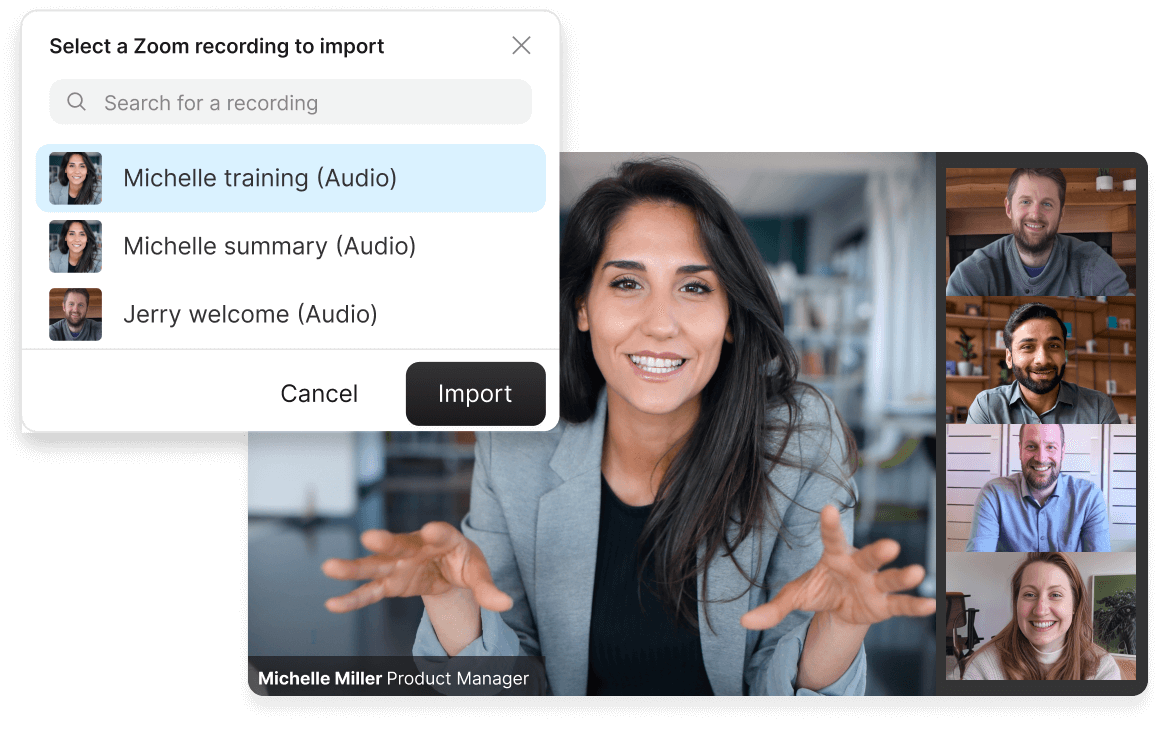
Take your webinar recording and create a polished, watchable edit for your learning library. Import from Zoom in a couple of clicks, then use AI tools like Edit for Clarity to quickly cut out all the stumbling, awkward, boring parts. And you can enhance that shaky Zoom audio in seconds.

Quick clips

Reinforce key messages from your video with short clips—tell Underlord how many clips you want and on what topic. It picks them and sets them up for you to finish. Add captions or any creative flair you want, and share them as bite-sized reminders, or to generate interest in the full thing.

Don’t just take our word for it

With a 4.6-out-of-5-star rating and a bunch of distinctions on G2, Descript’s users have declared it an industry standard in the video and podcasting world.
2025
Best Software
Video Editing
AI Video Generators
Screen and Video Capture
Text to Speech
“Descript has made cleaning up and creating my educational videos into professional presentations without needing extensive technical computer skills.”
B
Barbara C.
“Quickly take recorded calls, do some quick edits and clean up, then publish out for distribution to the company.”
Andrew M.
“Descript simplifies creating, editing, and updating tutorial videos to create and maintain professional content.”
C
Clella S.
“Descript saves me hours of work every week…Instead of watching hours of pre-recorded webinars, I can simply upload and review the transcript for the exact information I need.”
A
Alyssa T.
"We use Descript to help with our collaborative editing processes. A lot of our internal communications are screened through a series of executives and Descript makes it really easy to share with the review team."
Ryan G.
“It is simple to make edits that make me look better than I am…It makes it very simple for me to make technical walkthrough videos for software users.”
Benjamin S.

More video, more engagement—faster growth

Descript is the all-in-one video creation platform that enables your whole team to produce high-quality videos, fast, at scale. And they already know how to use it.

Frequently asked questions

  • What is a product demo video? down chevron icon

  • How do you make a demo video?down chevron icon

  • How much does a product demo video cost to make?down chevron icon

  • I think I’m in a cult but I’m not 100% sure yet. What should I do? down chevron icon

PRICING

Surely there’s one for you

Descript’s Business plan is affordable even for most early-stage outfits, and can expand as you (hopefully, for both of us) grow.

Business

$65

$50

per person / month

Scale to a team of 5 (billed separately)

Empower collaboration on your team

  • feature icon

    40 media hours / month

  • feature icon

    1500 AI credits / month

  • feature icon

    Team-wide access to Brand Studio

  • feature icon

    Translate and and dub video in 30+ languages with proofread

  • feature icon

    Generate custom avatars from photo upload or text

  • feature icon

    Priority support (with SLA)

  • feature icon

    Access to top ups for more media hours and AI credits

Enterprise

Custom

Tailored solutions and enterprise-grade security for large or growing teams

  • feature icon

    Advanced Security and SSO / SCIM

  • feature icon

    Granular brand controls

  • feature icon

    Custom AI credits

  • feature icon

    Custom media minutes

  • feature icon

    Custom legal terms

  • feature icon

    Custom AI Controls

  • feature icon

    Flexible licensing model

  • feature icon

    Flexible billing

© Descript 2025
Features
UnderlordVideo editingPodcastingClips

Transcription

RoomsScreen recordingCaptions & subtitlesTranslate videoEye contactText-to-speechStudio soundRegenerateGreen screen
Product
PricingDownloadStatusChangelog

Feature requests

Integrations
Resources
Blog

Templates

ToolsCommunity & EventsAffiliate Program

Help & Support

Guides How to start a podcast How to record a podcast How to start a YouTube channel How to improve the audio quality of a recording How to reduce background noise from audio How to create video links to share your content All guides →
Tools Video Editor Voice Enhancer Speech to Text Converter Audio to Text Converter YouTube Clip Maker All Tools →
Descript for Teams Descript for Enterprise