Custom training video, fast and easy

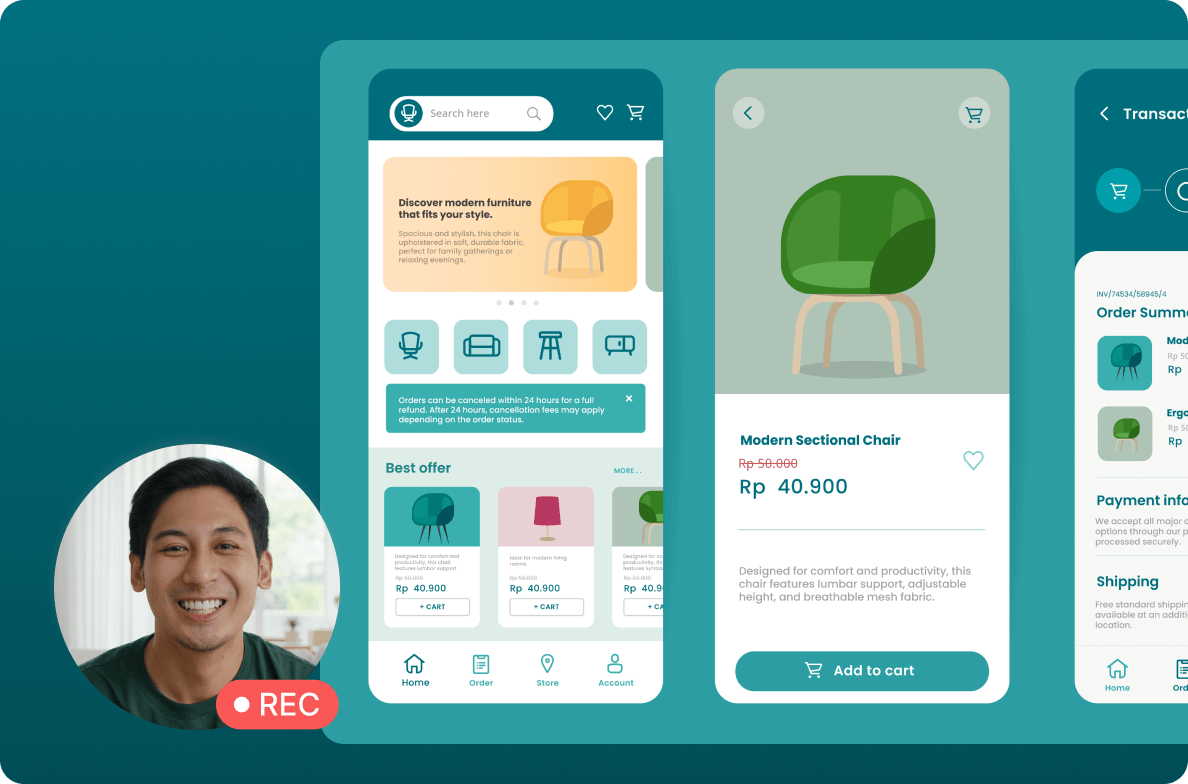
In Descript, customizing training videos for your customers is as easy as editing a few lines of text and swapping out a few slides. Use AI to update the voiceover. Your customers will think you made it just for them.

These companies use Descript. Not bad!

  • amazon logo
  • canva logo
  • salesforce logo
  • figma logo
  • apple logo
  • okta logo
  • spotify logo
  • vox logo
  • reuters logo
  • cbs logo
  • microsoft logo
  • nyt logo
  • accenture logo
  • github logo
  • kpmg logo
  • coke logo
  • amazon logo
  • canva logo
  • salesforce logo
  • figma logo
  • apple logo
  • okta logo
  • spotify logo
  • vox logo
  • reuters logo
  • cbs logo
  • microsoft logo
  • nyt logo
  • accenture logo
  • github logo
  • kpmg logo
  • coke logo

Good video makes your product look good (and you too)

Create training videos that show your product in its best light, no video editing experience needed.

Text-based editing

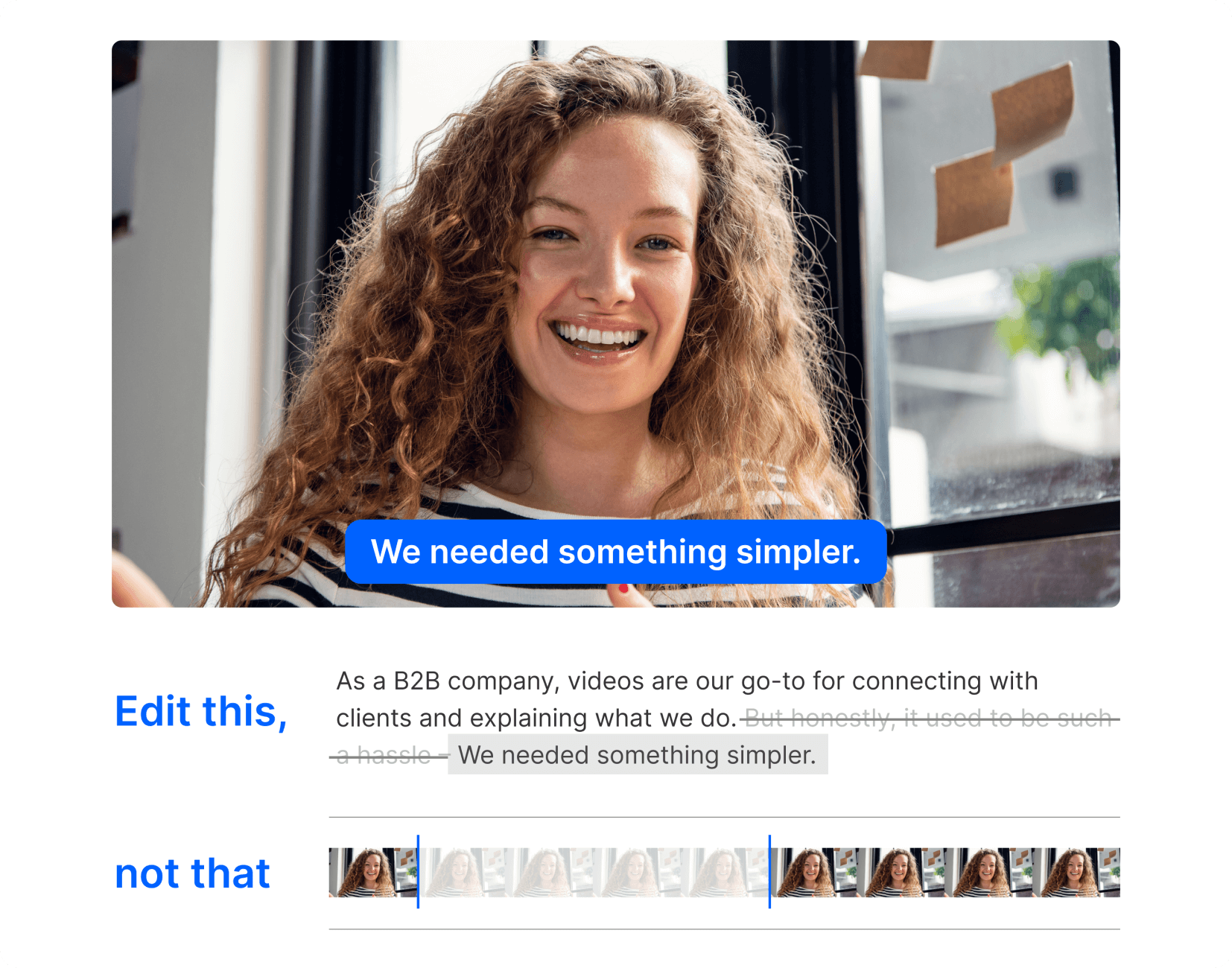
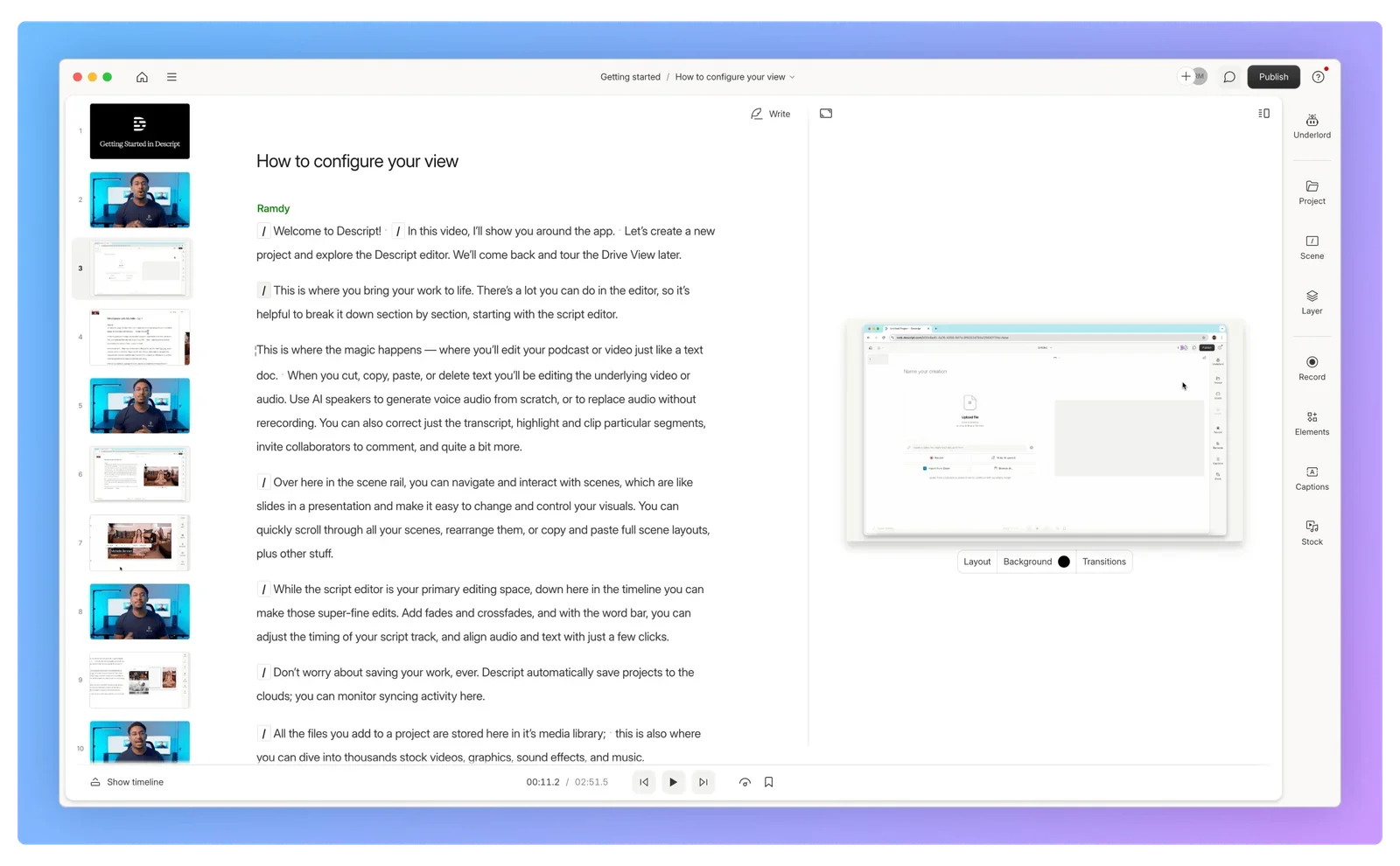
Edit your video by editing the transcript—delete text, cut-and-paste to move stuff around, type to fix mistakes or even create new audio without re-recording.

Sound good

Budget mic? Cavernous room? Actual cavern? Nobody will ever know with Studio Sound. Remove background noise and echo, and enhance voices with regenerative AI.

Custom layouts

Build and save your own layouts to quickly switch visual styles. Add a client’s branding in a few clicks to make them feel important, so they’ll give you more money.

Reviews and collaboration without the endless emails

In Descript, all your team needs to give feedback is an internet connection and a keyboard. No apps to download, no big files to send, no version-control nightmares.

Eerily realistic AI voices

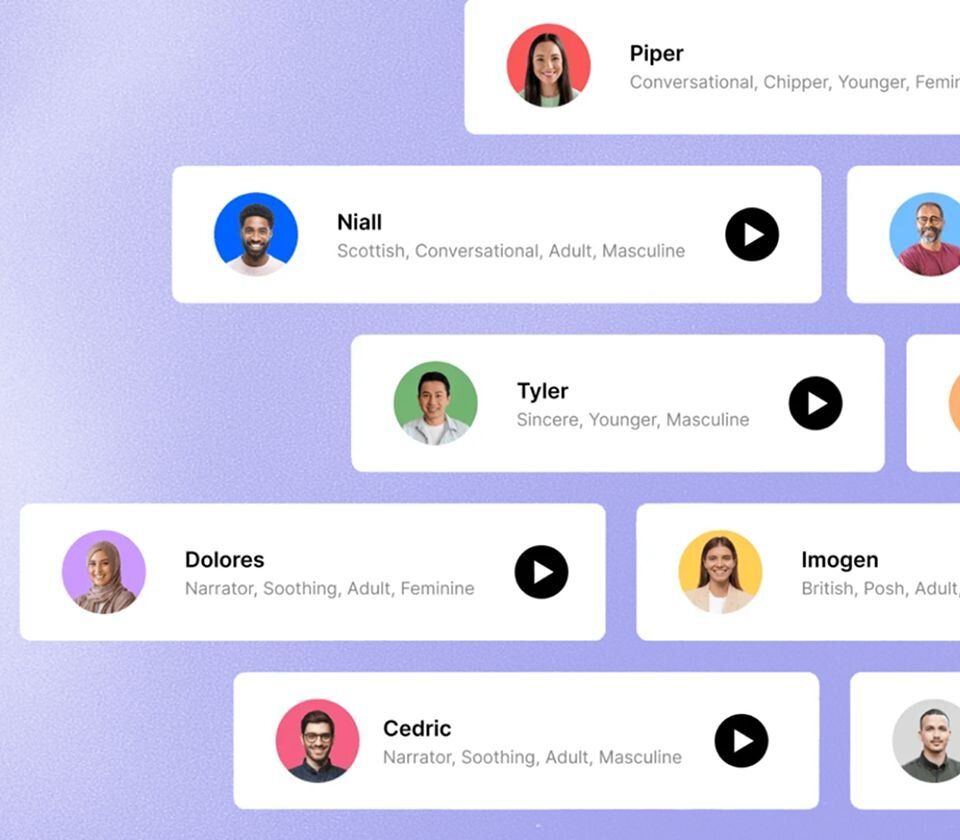
Quickly update any part of a voiceover by cloning your voice or using one of our AI stock voices.

Find and fix, fast

Rather than scrubbing through a timeline, search your transcript to find the parts that need updating.

Gather feedback live

Invite stakeholders to leave comments right on the video, then respond or make updates in front of their eyes.

Publish and update—everywhere

Publish to a live, Descript-hosted share page and embed your video in any webpage or document. Any time you make an update, it will populate everywhere it’s embedded.

Less work to make video at work

Training

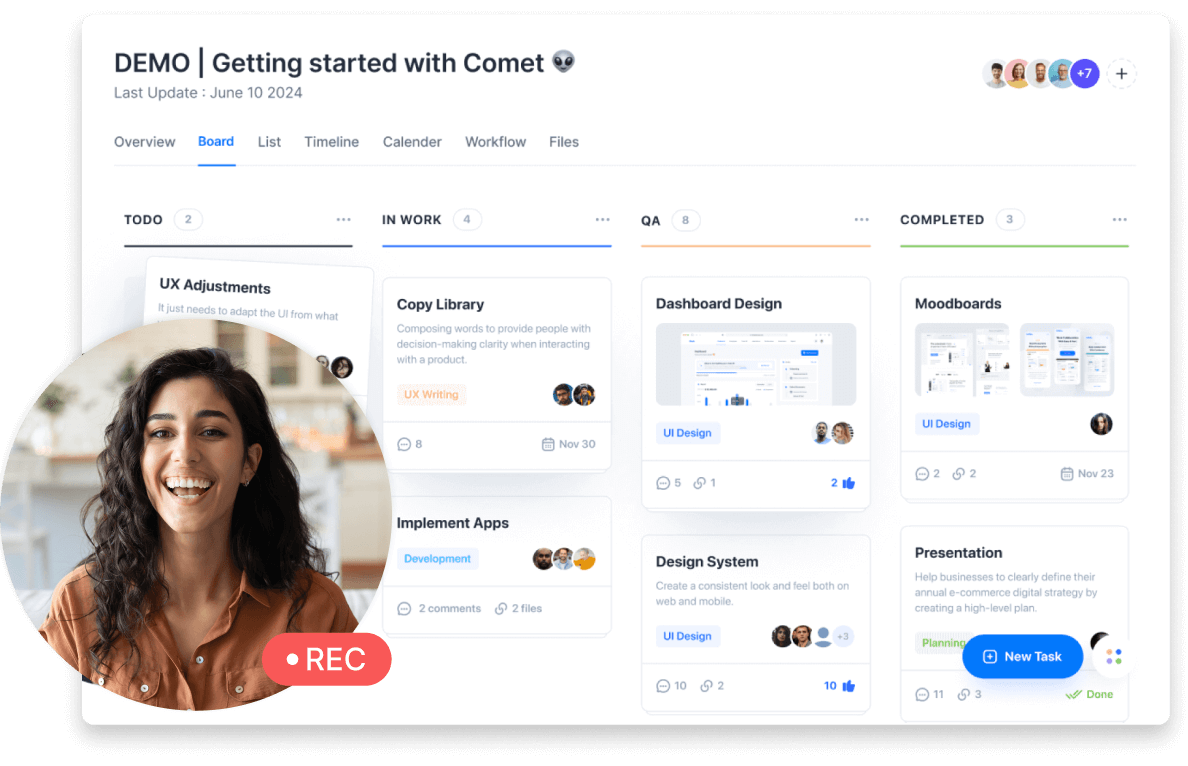
Make videos that will make them love your product. Record your voice, face, and screen right in Descript, then edit the video by editing text. Make it look and sound good by cutting filler words, removing background noise, and dropping in a branded layout.

Webinar recordings

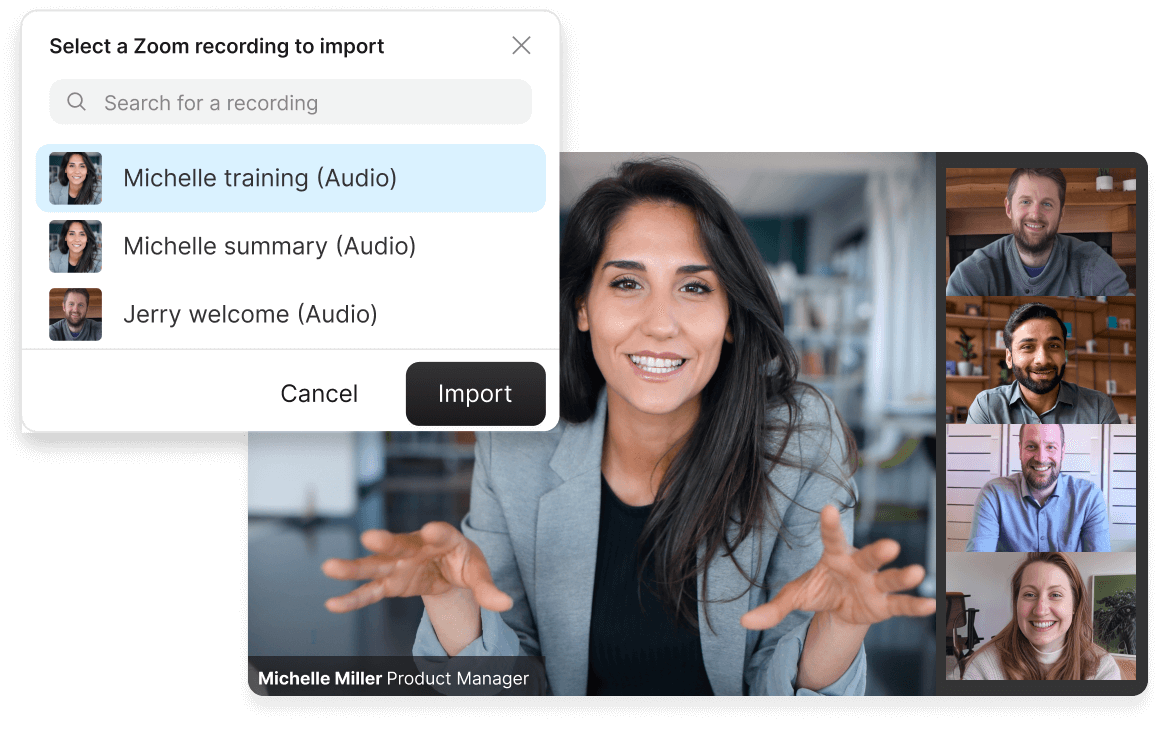
Use Descript’s Zoom integration to import your webinar recording. Quickly edit out all the droning questions and awkward answers with easy editing. Automatically remove long pauses and enhance that shaky Zoom audio in a couple of clicks.

Product demos

Show your product’s best side with a video that’s easy to make—and easy to make well. Record your screen right in Descript, then add visuals like animations, transitions, and B-roll. When you need to make a change, just swap in the right words and swap out specific scenes; all with a few clicks.

Don’t just take our word for it

With a 4.6-out-of-5-star rating and a bunch of distinctions on G2, Descript’s users have declared it an industry standard in the video and podcasting world.
2025
Best Software
Video Editing
AI Video Generators
Screen and Video Capture
Text to Speech
“The way it allows me to edit tutorials and interviews in about 1/10th the time is absolutely amazing. We send everything through Descript now.”
Joey K.
“Descript simplifies creating, editing, and updating tutorial videos to create and maintain professional content.”
C
Clella S.
“It is simple to make edits that make me look better than I am…It makes it very simple for me to make technical walkthrough videos for software users.”
Benjamin S.

“The videos I personally make are design tutorials, which involve a lot of talking to camera while screen sharing. Descript makes it super, super easy to edit these videos quickly.”

Pavaan B.
"The templates make it really easy to quickly get a good looking video done…Getting video content fast and cohesive with our branding."
Björn I.
“Before, it would take me countless hours to record and re-record videos, voiceovers, and instructional clips. But now… the AI assists in editing the audio/video plus enhancing the audio, resulting in a fantastic end product.”
Tom C.

More video, more engagement—faster growth

Descript is the all-in-one video creation platform that enables your whole team to produce high-quality videos, fast, at scale. And they already know how to use it.

Frequently asked questions

  • What’s the best video editor for customer success?down chevron icon

  • How can I repurpose a webinar?down chevron icon

  • How can I personalize customer success videos for each customer?down chevron icon

  • A man has to get a fox, a sack of grain, and a chicken across a river. How can he do this while ensuring long-term adoption of his company’s product?down chevron icon

PRICING

Surely there’s one for you

Descript’s Business plan is affordable even for most early-stage outfits, and can expand as you (hopefully, for both of us) grow.

Business

$65

$50

per person / month

Scale to a team of 5 (billed separately)

Empower collaboration on your team

  • feature icon

    40 media hours / month

  • feature icon

    1500 AI credits / month

  • feature icon

    Team-wide access to Brand Studio

  • feature icon

    Translate and and dub video in 30+ languages with proofread

  • feature icon

    Generate custom avatars from photo upload or text

  • feature icon

    Priority support (with SLA)

  • feature icon

    Access to top ups for more media hours and AI credits

Enterprise

Custom

Tailored solutions and enterprise-grade security for large or growing teams

  • feature icon

    Advanced Security and SSO / SCIM

  • feature icon

    Granular brand controls

  • feature icon

    Custom AI credits

  • feature icon

    Custom media minutes

  • feature icon

    Custom legal terms

  • feature icon

    Custom AI Controls

  • feature icon

    Flexible licensing model

  • feature icon

    Flexible billing

© Descript 2025
Features
UnderlordVideo editingPodcastingClips

Transcription

RoomsScreen recordingCaptions & subtitlesTranslate videoEye contactText-to-speechStudio soundRegenerateGreen screen
Product
PricingDownloadStatusChangelog

Feature requests

Integrations
Resources
Blog

Templates

ToolsCommunity & EventsAffiliate Program

Help & Support

Guides How to start a podcast How to record a podcast How to start a YouTube channel How to improve the audio quality of a recording How to reduce background noise from audio How to create video links to share your content All guides →
Tools Video Editor Voice Enhancer Speech to Text Converter Audio to Text Converter YouTube Clip Maker All Tools →
Descript for Teams Descript for Enterprise