Make better training video, faster, with AI
In Descript you edit video by editing text. Then add branding, captions, and all the flair you can stand—all in a few clicks, thanks to AI.
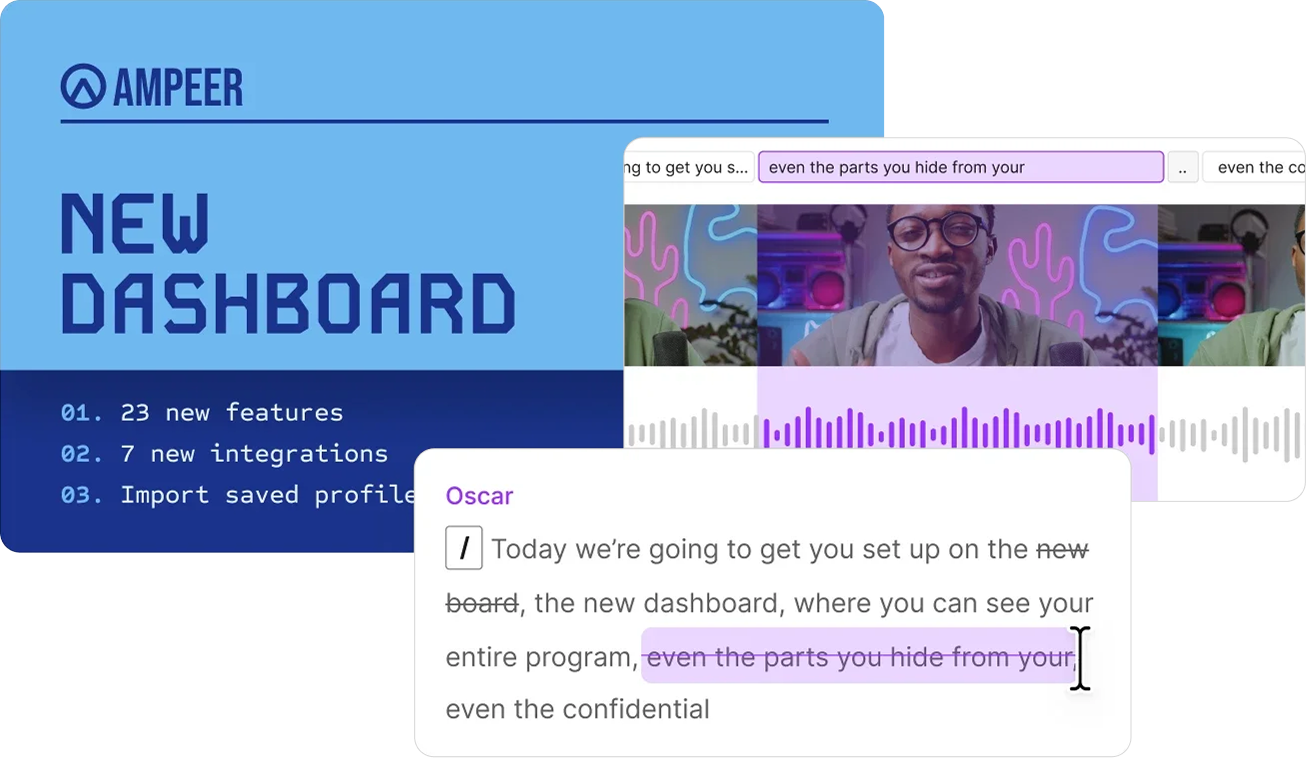
In Descript you edit video by editing text. Then add branding, captions, and all the flair you can stand—all in a few clicks, thanks to AI.
These companies use Descript. Not bad!















Create your training video just like you’d create a slide deck—but with custom layouts, animations, and other dynamic elements that make it more engaging than even the best slide presentations. Arrange and edit it all right in the canvas—just like editing slides.

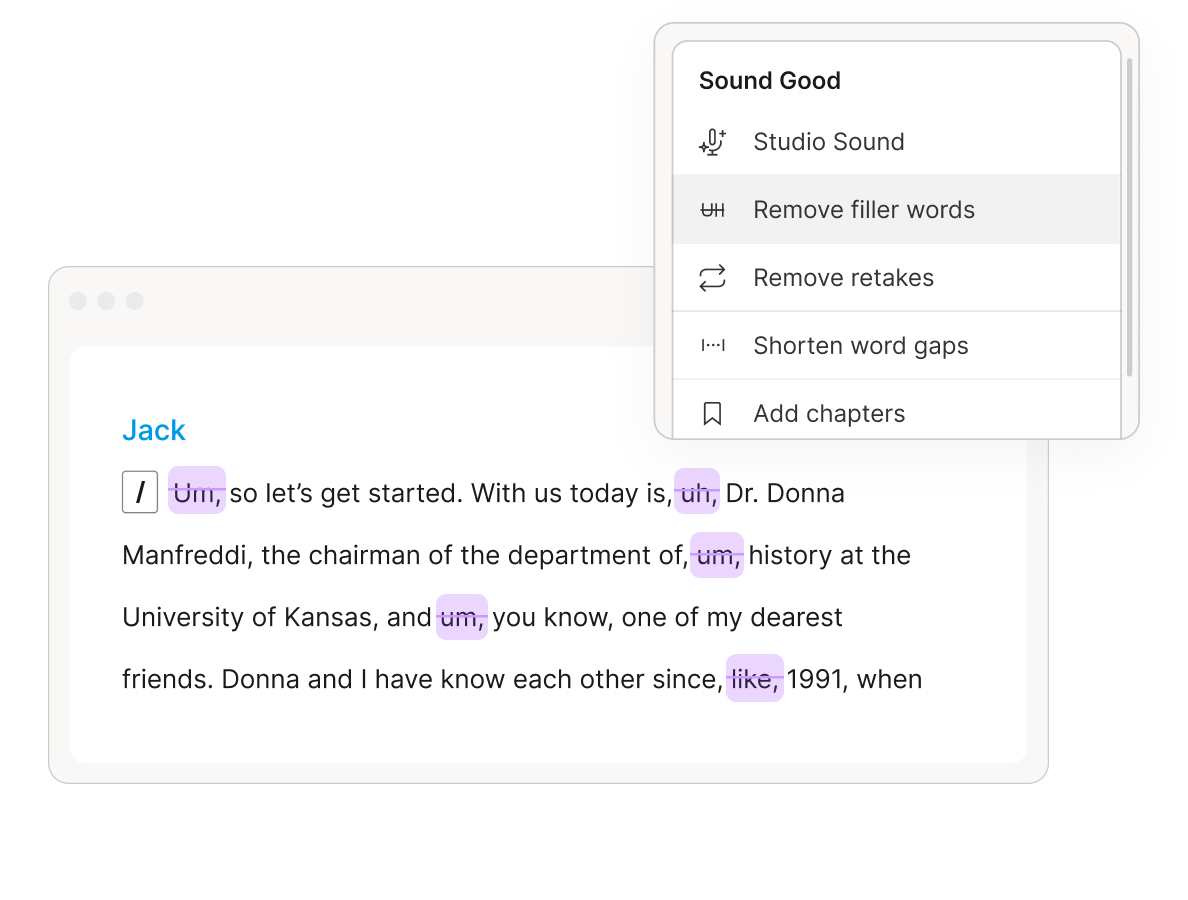
Your new AI editing assistant, Underlord, can do a first-pass edit on your video in just a few clicks. Sit back and watch it remove filler words, edit out all your retakes, and make it sound like you recorded in a studio.
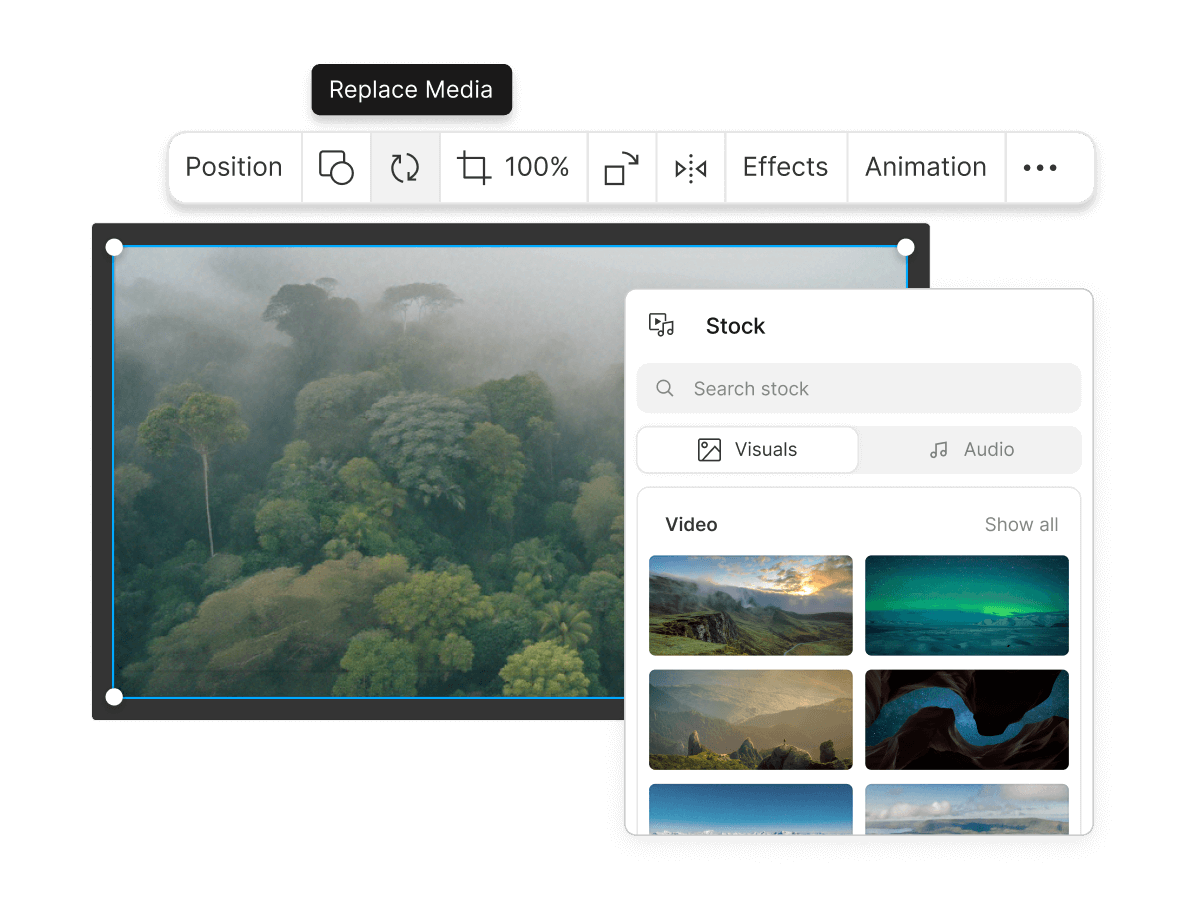
Tap into our stock libraries for millions of media: videos, background music, sound effects. Go nuts with GIFs. Add animated elements like arrows and circles to call out the important stuff.
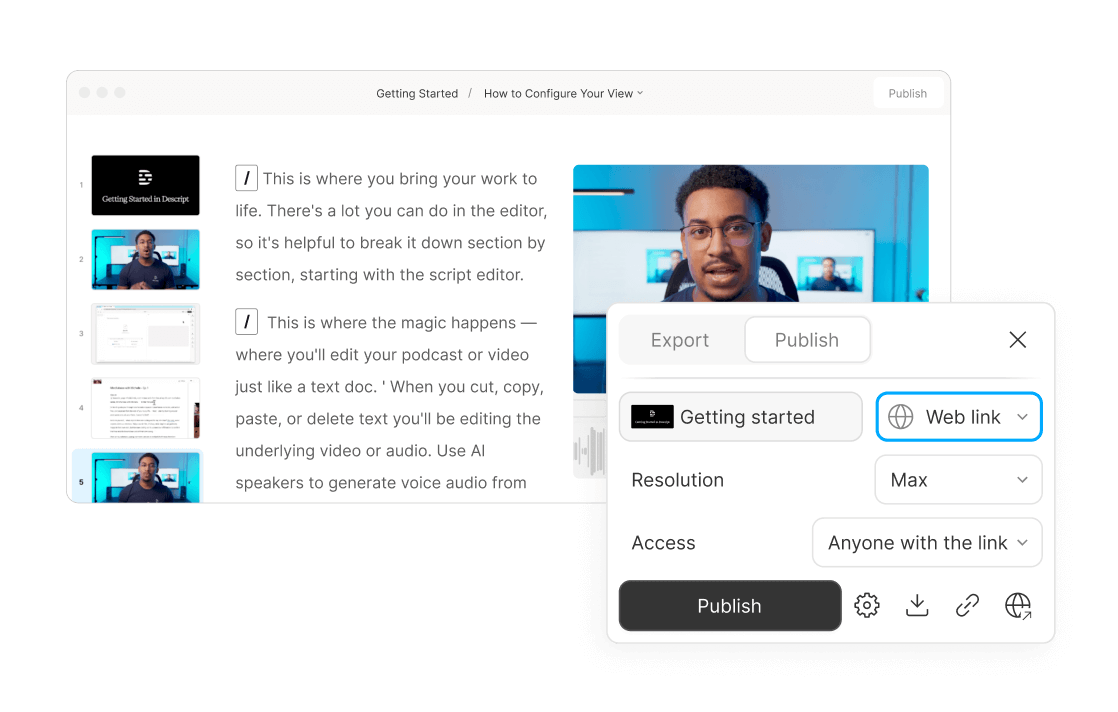
When you want to educate the masses, share your video instantly with a link or embed code. If you have to edit because your product changed or whatever, the edits will show up anywhere you’ve posted it.
Support, customer success, sales—lots of folks you work with could use Descript to make more, better video. And teams of 10+ get enterprise-level security and dedicated account support.
Video can help almost everybody on your team communicate—with customers and prospects, or with each other. Descript makes it possible for all of them to say what they have to say, with video that looks and sounds good.

Don’t just tell them, show them (and tell them). Easily record your screen, your voice, and yourself for how-to videos that get the message across.
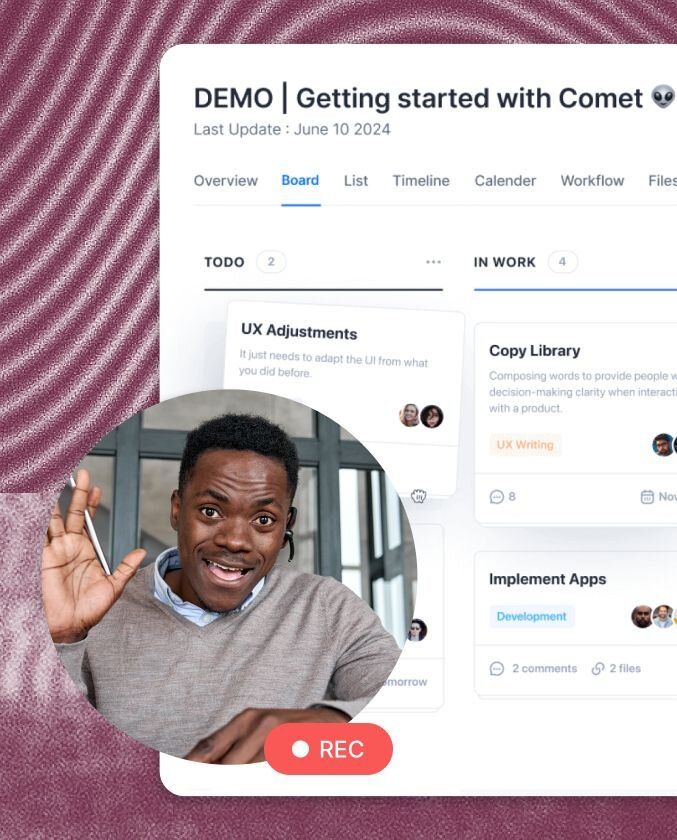
Show how your product works—record your screen, your voice, yourself, and edit it all, fast. If (when) things change, swap in new footage or change a few words without remaking the whole video.

Discuss their success story remotely in 4K, then use custom branding and layouts to quickly create a video you can show off.

Turn one video into shorter videos, customized for TikTok, LinkedIn, Instagram, or whatever they come up with next.

Record with guests in 4K multitrack video, then start editing, just like you edit a doc. Use AI to make all the obvious edits, and templates for brand consistency.
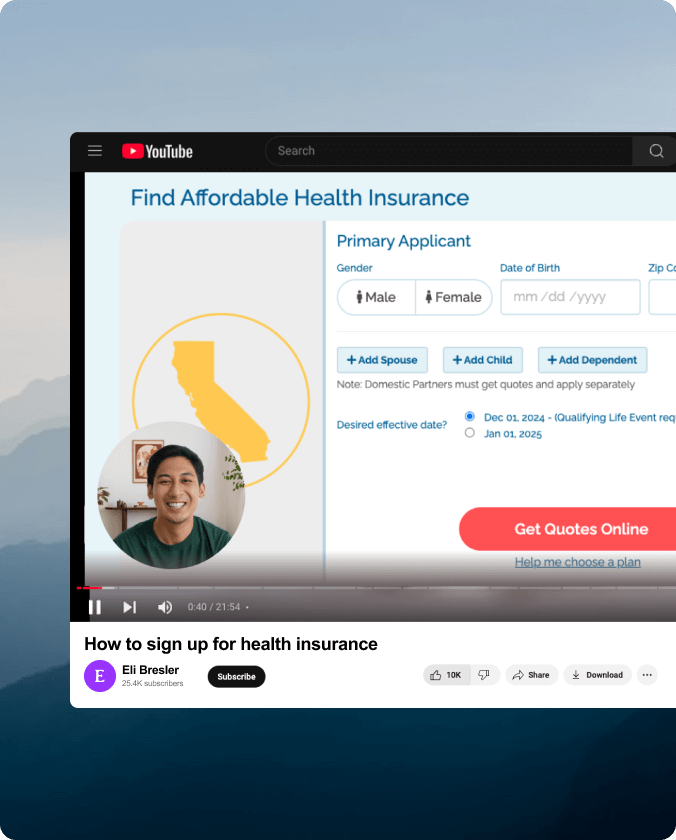
Whether it’s a software tutorial or a viral rant about insolent ghosts, make it good enough to rival the top creators. Record, edit, and publish to YouTube—complete with metadata—all in a single tool.

Product launches and demos, big announcements, ads. Whatever you need to get your brand out there and help sell your stuff, you can make it in Descript.
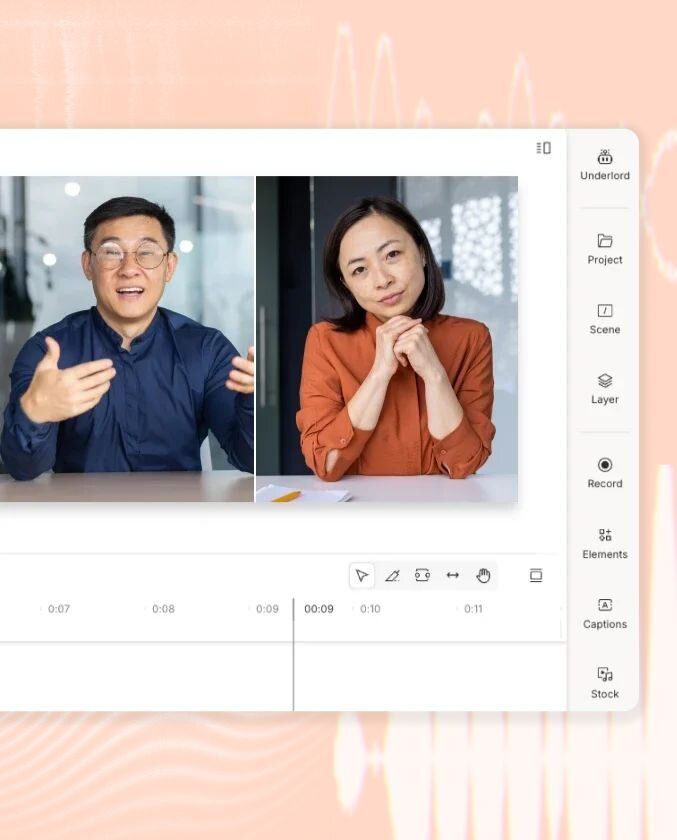
Use Descript’s Zoom integration to seamlessly import your live webinar recording, then remove long pauses and enhance that shaky Zoom audio in a couple of clicks.
Descript gives you everything you need to make a training video with very little training. Create your slides as you create your video, drop in b-roll, sounds, or gifs, then get instant share links and publish anywhere.
In the time it takes to learn to make a training video in other training video makers, you’ll make three videos in Descript. It’s fast, powerful, and basically explains itself.
If you can explain it, you can make a training video on it. Record your screen, edit out the awkward bits, add some polish, and publish. If you need to update it—because your product changed or whatever—just change that part and re-publish.
Sign up for a plan and start making a training video today. If you need a demo, we’ve got you covered.
Put silverware and utensils in the divided carrier. Put glasses and mugs on the top shelf, and children and pets on the bottom.
Surely there’s one for you
Descript’s Business plan is affordable even for most early-stage outfits, and can expand as you (hopefully, for both of us) grow.
$50
per person / month
Scale to a team of 5 (billed separately)


40 media hours / month

1500 AI credits / month

Team-wide access to Brand Studio

Translate and dub video in 30+ languages with proofread

Generate custom avatars from photo upload or text
Priority support (with SLA)

Access to top ups for more media hours and AI credits
Custom
For teams with more video to make than editors to make it

Text-based editing: Edit video by editing a doc

AI credits and media hours: sized to your team

Brand Studio: shared templates and company-wide guardrails

AI and data controls: opt-out of training, custom retention

SOC 2 Type II: SSO, SCIM, and audit logs

Procurement: custom MSA, legal terms, flexible billing

Support: dedicated CSM, onboarding, priority response
Trusted by teams at: