Trusted by teams at
Create high-quality audio with Descript just by typing. Generate your own voice clone or choose from our stock AI voices to fix audio mistakes, generate a podcast intro, video voiceovers and more.
Trusted by teams at















When speakers (including you) slip up, stumble, or leave something out, you can fix it or add to it by editing your script just like you would a doc. Let Regenerate fix mistakes by generating new speaker audio in moments. Or smooth over awkward edits in a click. Your AI-generated audio will blend in seamlessly.
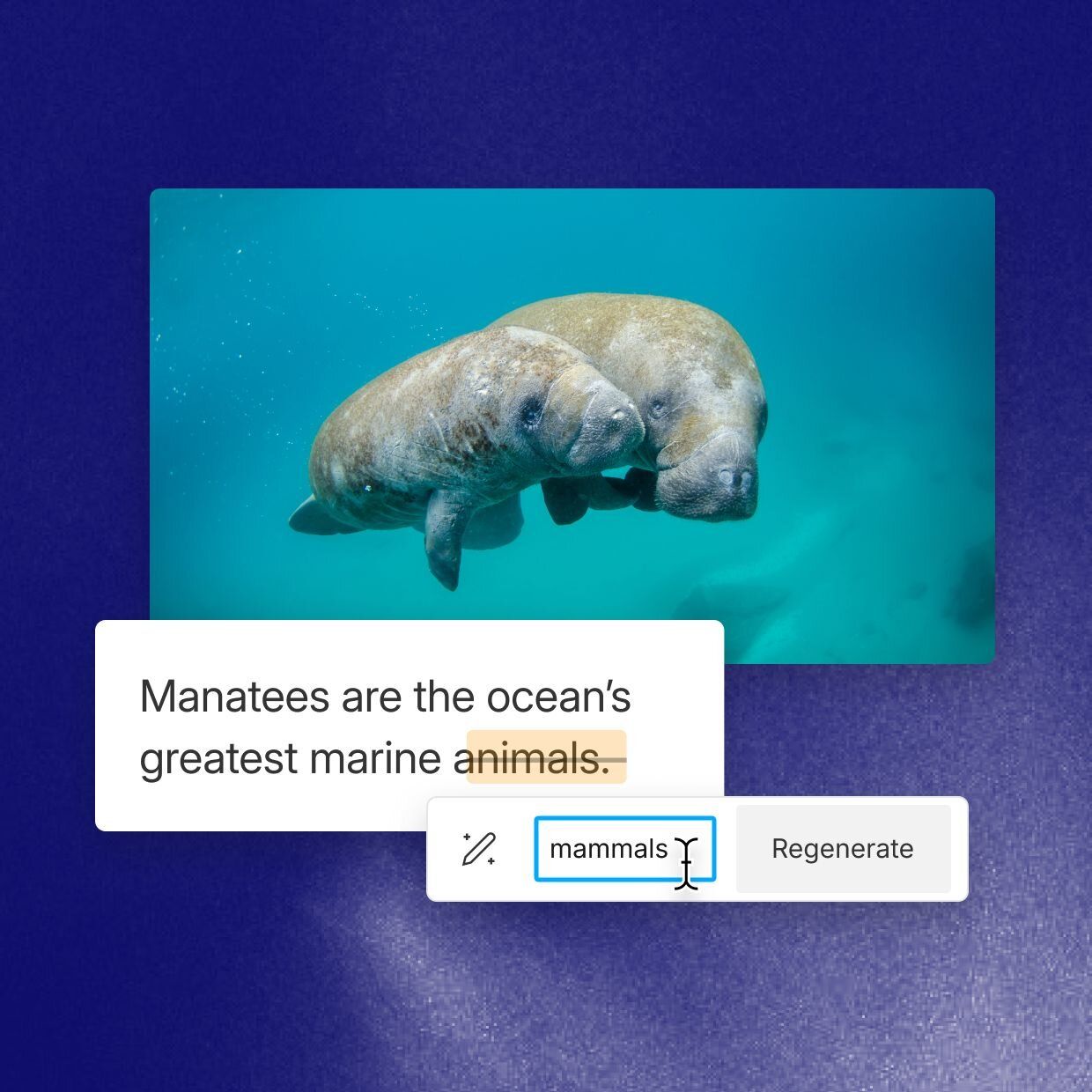
Descript first introduced AI voices back in 2018. Since then we’ve made them way better and more useful. Now you can make and meet your new voice clone in as little as 60 seconds, and quickly make multiple clones to create a roster of different tones, emotions, and accents. Just remember you can only clone your voice, not Morgan Freeman’s (unless you’re him, in which case thank you for reading our marketing copy, sir).
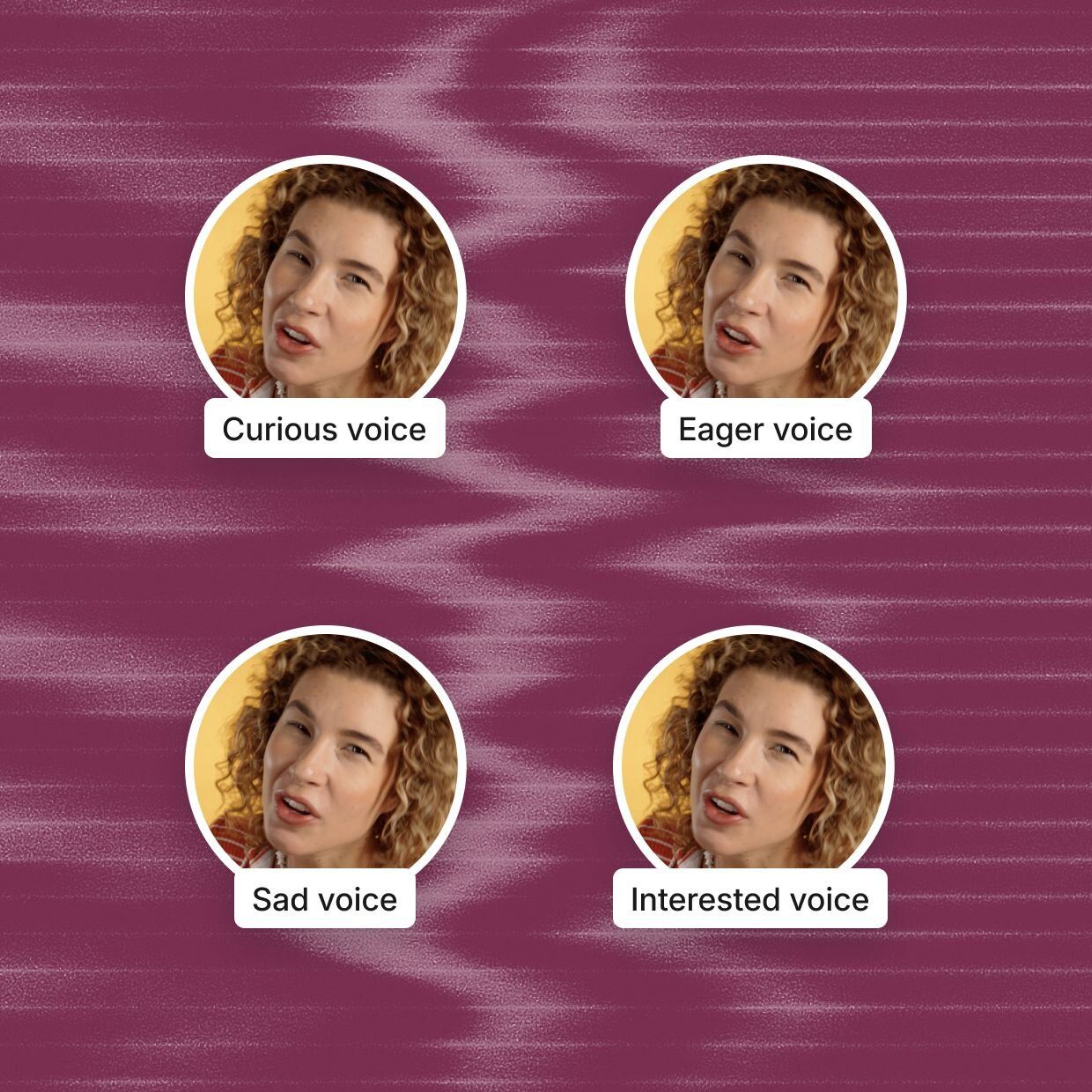
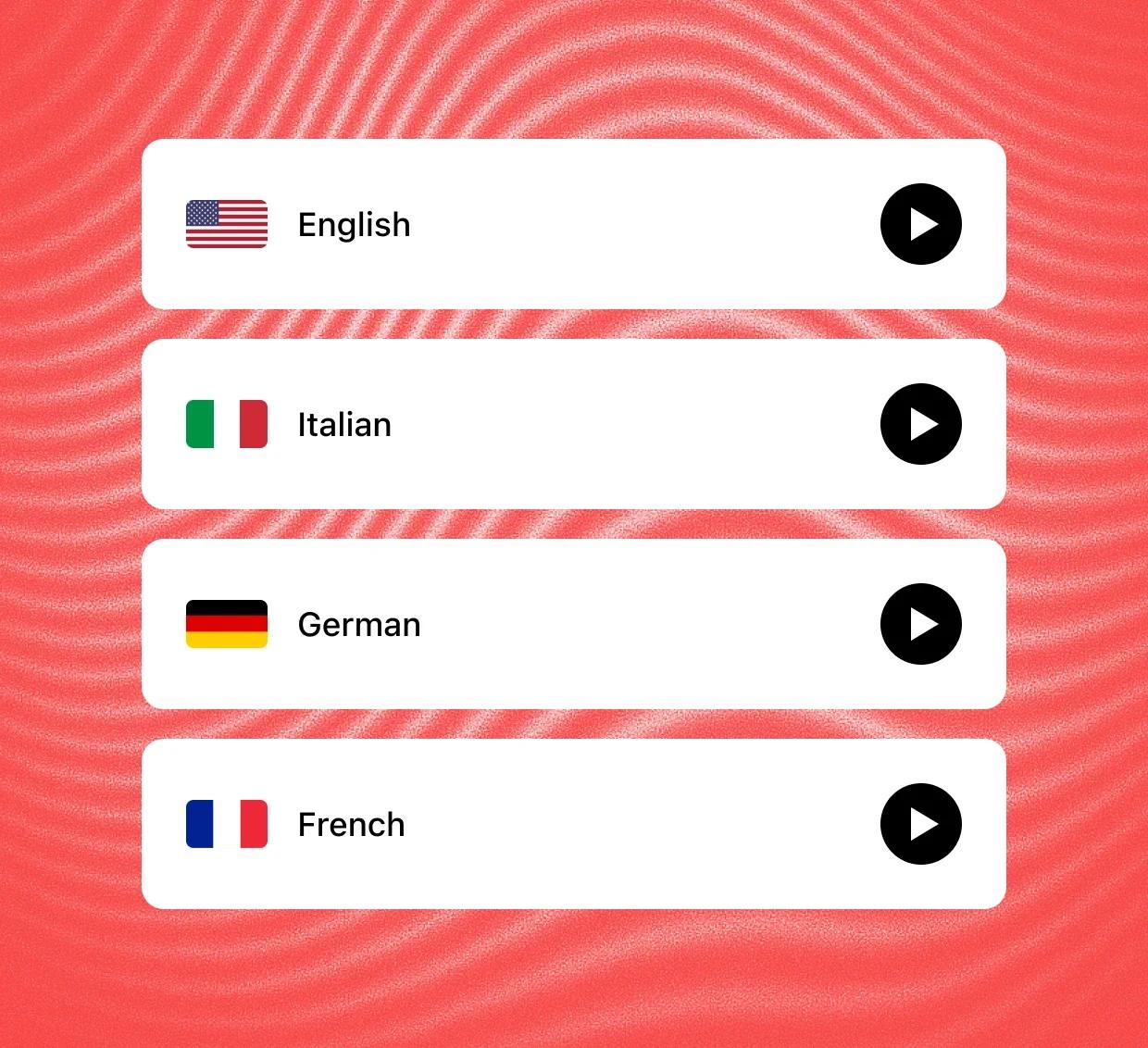
Descript’s AI voices are like a troupe of multilingual voice actors, waiting for you to give them their lines. Just pick a voice that speaks the language you need. Could be Cedric, Carla, Emily, or any of the life-like (but definitely not alive) gang. They speak over 20 languages with a full range of emotions—but unlike with your own emotions, you’re in total control. You start typing, they’ll start talking.
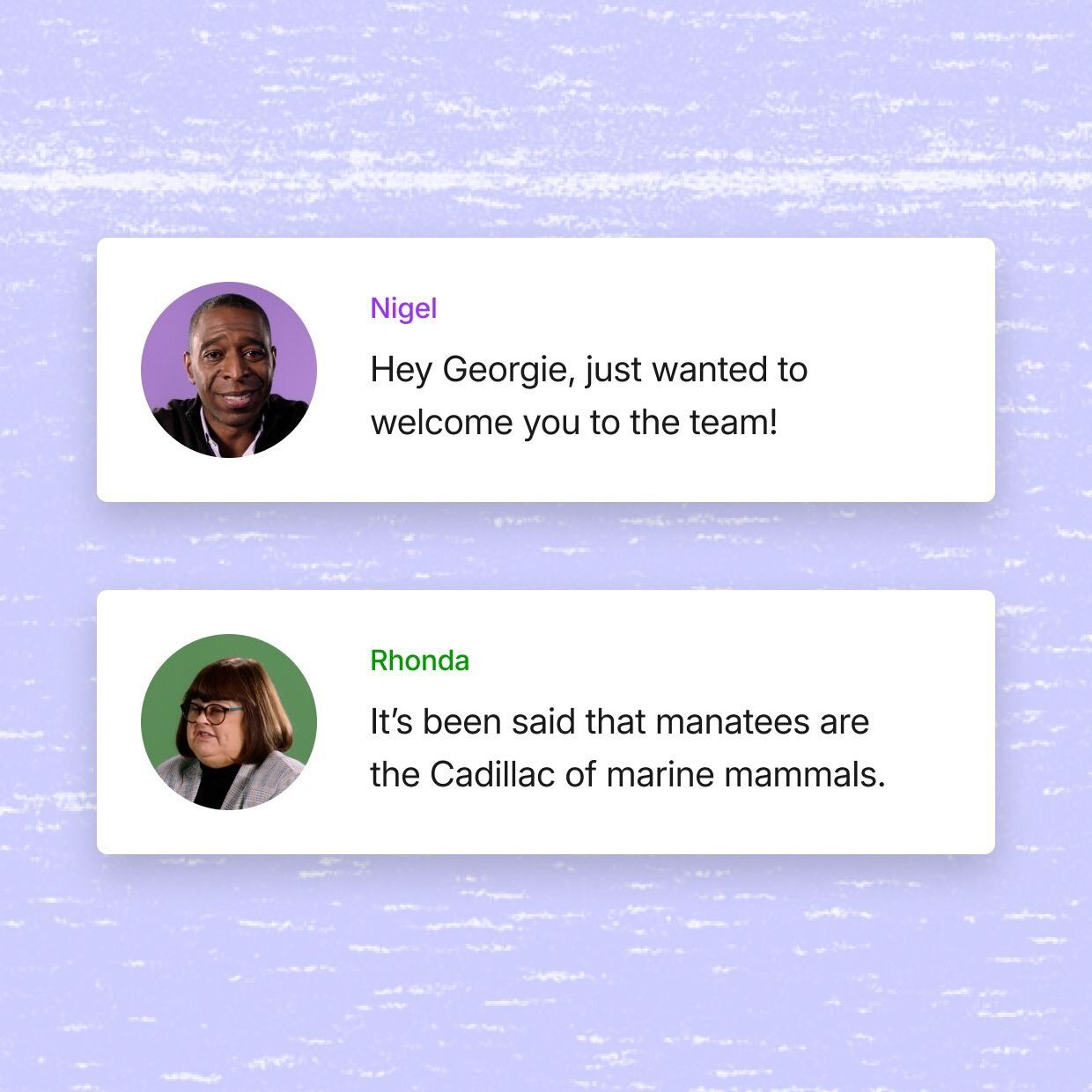
Descript’s AI voices don’t just pause at commas and add inflection at question marks. You’ll hear your clone vary its tone and rhythm as they talk. It’s incredibly life-like, maybe a little unsettling. Don’t worry though, our home-grown AI model is trained on how people actually speak so our AI voices don’t sound like robots (even though they are).
Put AI voices to work by making a video from scratch—just tell the AI Video Maker what you want to create, then it will write a script, create a video, and pop it into Descript so you can edit. You make all the creative choices, AI does all the work.
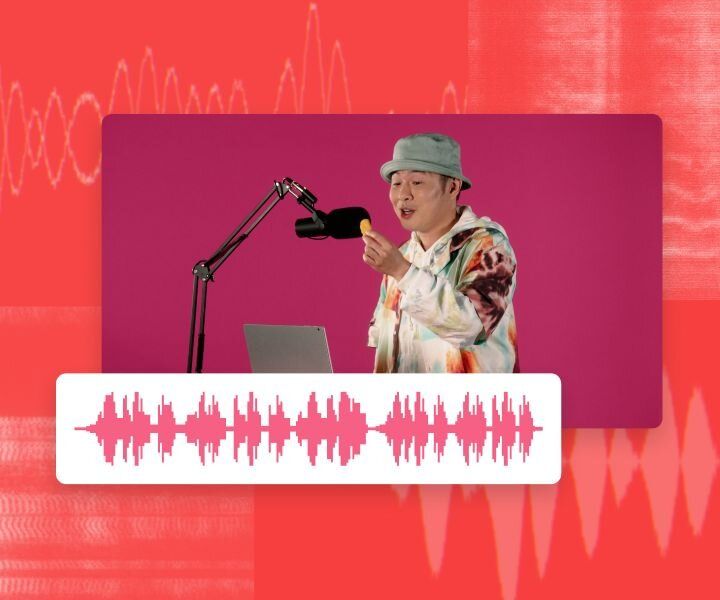
Write your script in Descript’s text-based editor and use AI voice audio to turn it into an entire voice over in a single click.
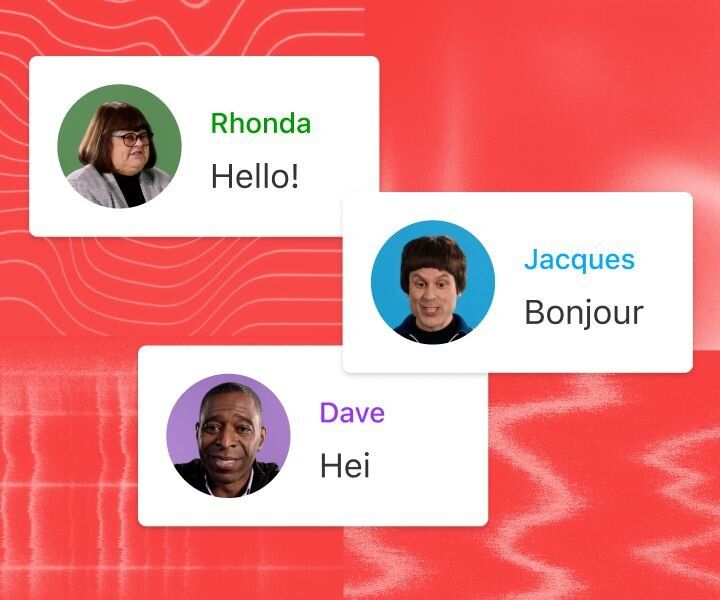
Take your content around the world in a click: translate voiceovers to any of 5 languages (and counting) with AI dubbing.
Use Regenerate to smooth out those obvious cuts, balance noise levels, and match the surrounding audio so it’s like the cut was never even there.
With a 4.6-out-of-5-star rating and a bunch of distinctions on G2, Descript’s users have declared it an industry standard in the video and podcasting world.
2026




“With Descript I'll be able to at least double my content output since editing is taking one-quarter the time it used to.”

Donna B.
“With Descript we can create videos for our YouTube channel and our LinkedIn page much faster and with high quality.”

Balázs N.
“Descript has made cleaning up and creating my educational videos into professional presentations [possible] without needing extensive technical computer skills.”

Barbara C.
“Descript makes recording and editing audio and video a breeze. It's advanced features have streamlined my workflows, saving me a lot of time usually spent editing.”

Roderick F.
“The collaborative tools streamline teamwork, allowing my team and me to work efficiently together on projects. Overall, Descript enhances productivity and simplifies the editing process.”

Aldrich M.
“Transcription-based editing makes the process much faster…All in all, a must have editor for most audiences, especially in SaaS marketing.”

Nidhin M.
“With Descript I'll be able to at least double my content output since editing is taking one-quarter the time it used to.”
Donna B.
“With Descript we can create videos for our YouTube channel and our LinkedIn page much faster and with high quality.”
Balázs N.
“Descript has made cleaning up and creating my educational videos into professional presentations [possible] without needing extensive technical computer skills.”
Barbara C.
“Descript makes recording and editing audio and video a breeze. It's advanced features have streamlined my workflows, saving me a lot of time usually spent editing.”
Roderick F.
“The collaborative tools streamline teamwork, allowing my team and me to work efficiently together on projects. Overall, Descript enhances productivity and simplifies the editing process.”
Aldrich M.
“Transcription-based editing makes the process much faster…All in all, a must have editor for most audiences, especially in SaaS marketing.”
Nidhin M.